Blog
Discover our latest articles and blogs
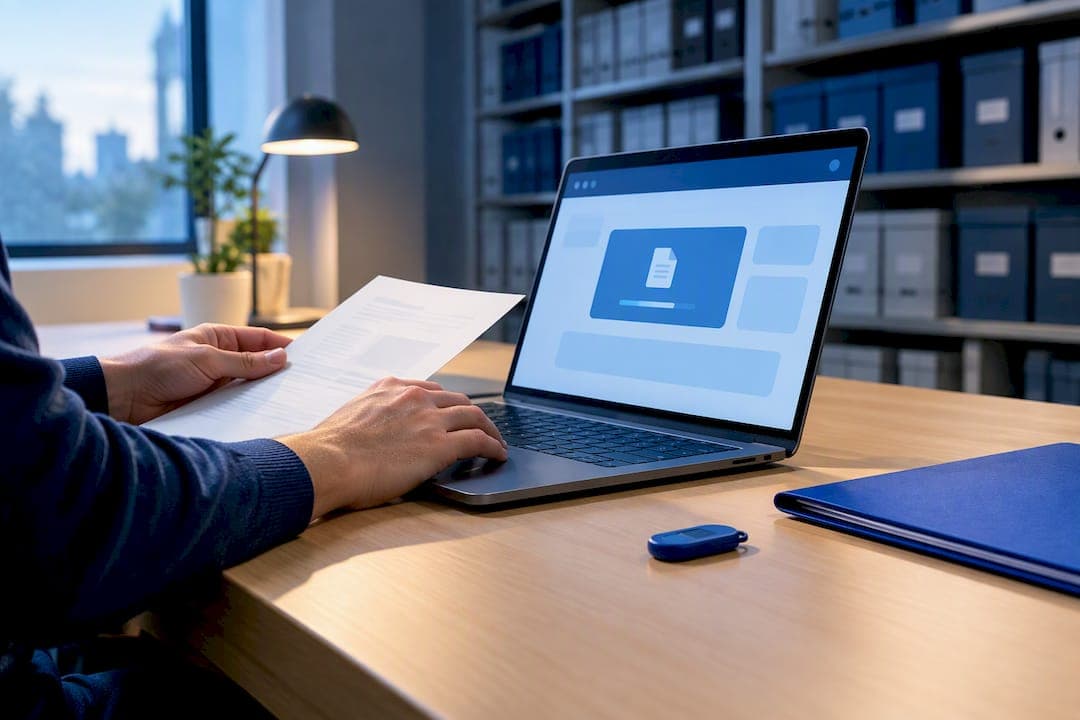
Never Upload Your PDF: Best PDF Compressor That Runs in Your Browser
Compress PDFs in your browser without uploading, follow a privacy first workflow to verify results, and use FlowPDF's no signup local tools.
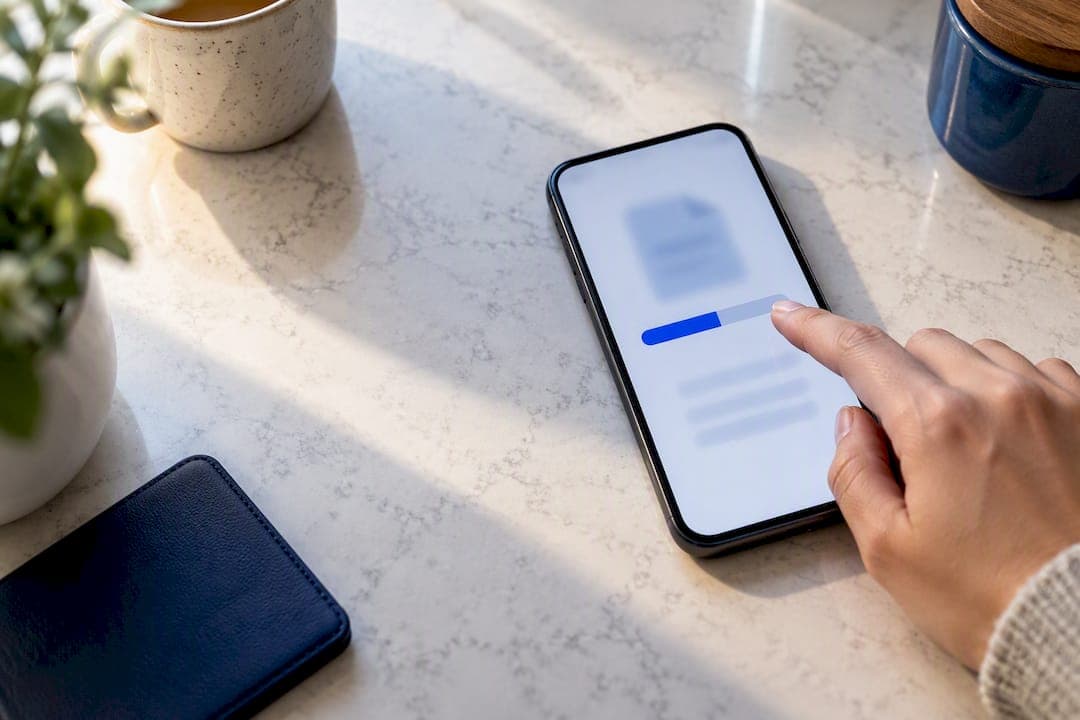
Shrink PDFs on Android to 1 MB or Less, No Upload, Keep Readability
Compress PDFs on Android without uploads. Use a local browser tool for sensitive files, aim for 1 MB or under, and always preview the result.

Stop Uploading PDFs: Remove White Margins in Under a Minute
Trim white margins from PDFs in your browser without uploading. Auto trim for clean files, manual crop for scans, then compress locally.
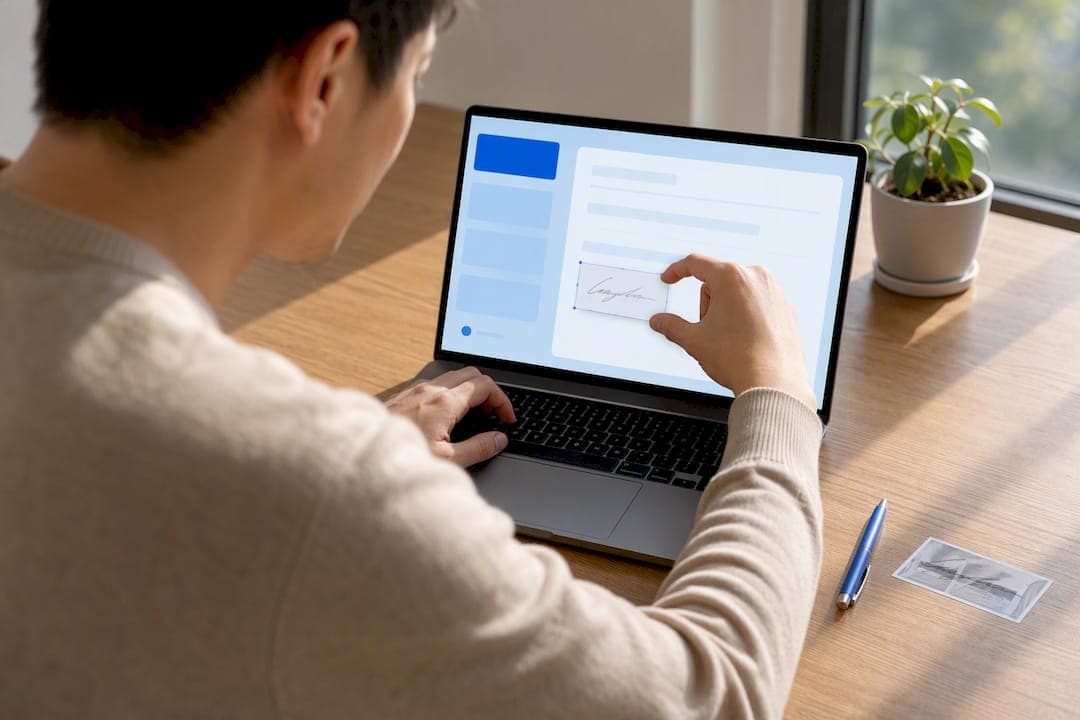
Under a Minute: Sign a PDF with an Image Locally, No Uploads
Sign a PDF with an image entirely in your browser. No uploads or account. Place, resize, rotate, and embed a transparent PNG in under a minute while the...

Fill PDFs on iPhone Without Installing an App or Uploading
Fill and sign PDFs on iPhone with Preview or Markup. For locked or sensitive files, use FlowPDF to edit and sign locally in your browser.
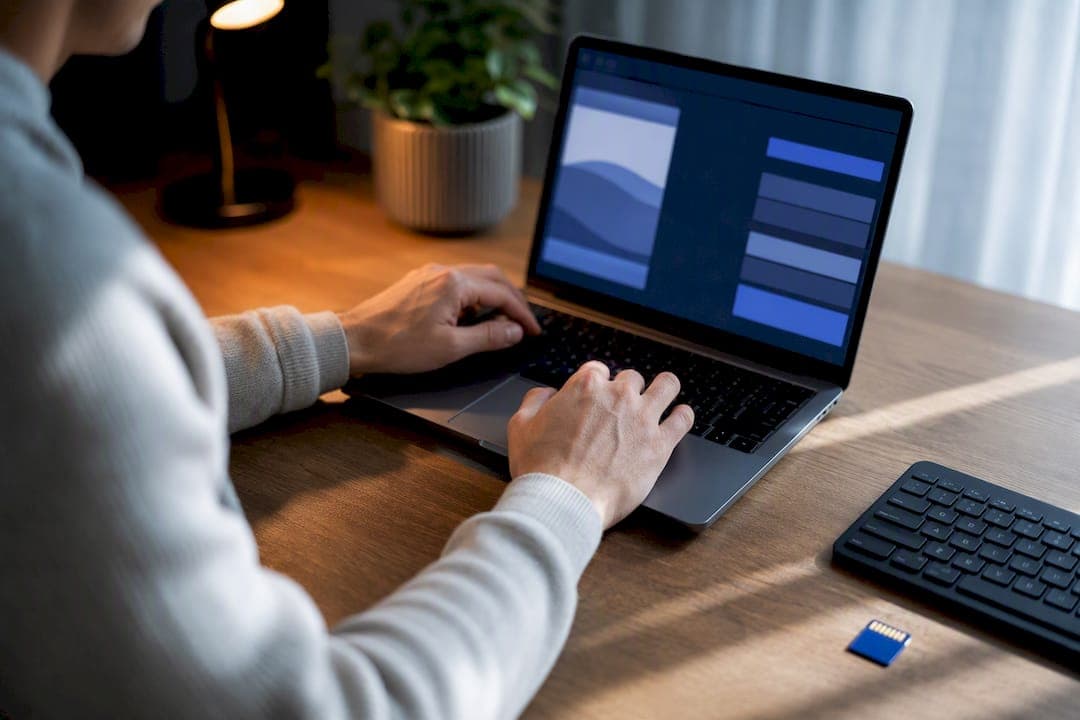
Shrink PDFs to 200KB Locally, Aim for 180KB and Keep Quality
Fit a PDF under a strict 200 KB limit without uploading. Use local browser compression, aim for 180 KB as a safety buffer, then recompress, crop, and...

Remove PDF Links Locally, Keep Your Layout and Avoid Uploads
Remove or disable hyperlinks without uploading sensitive files. Flatten, edit in Word, or delete single annotations using local in-browser tools to keep...

Split PDFs on Mac, No Upload: Preview, Automator, One line pdftk
Privacy first ways to split PDFs on Mac: Preview for quick extracts, a ten minute Automator workflow, a one line pdftk command, or a no upload browser tool.
Reverse PDF Pages Locally in One Click for Free
Reverse PDF pages instantly with a free, local one click tool that never uploads your file. Also covers Preview on Mac and the qpdf command for scripting.