Blog
Discover our latest articles and blogs

Edit PDFs Locally in Your Browser, No Upload and No Watermark
Edit and export PDFs in your browser with no upload, no account, and no watermark. Local processing keeps files private; large or scanned files may need...

Extract Text From a PDF Without Uploading: Copy, OCR, or Batch Locally
Map your PDF to the right extraction method: copy selectable text, run OCR for scans, or batch-process files. Do it locally so your document never leaves...

Sign PDFs Locally in Singapore: No Upload, No Account, No Adobe
Sign PDFs in Singapore without Adobe. Use iPhone Markup, Mac Preview, Edge, or FlowPDF's local browser tool, with no upload or account.

Keep PDFs Private: Best PDF Watermark Remover That Runs Locally
Protect private PDFs while removing watermarks locally. Learn when to edit layers, run OCR or AI, and the permission checklist.

Sign Locally in Under a Minute with the Best PDF Signer for Singapore
Sign PDFs in your browser with FlowPDF: free, no account, no uploads, three signature options. When does Singapore law require Singpass?
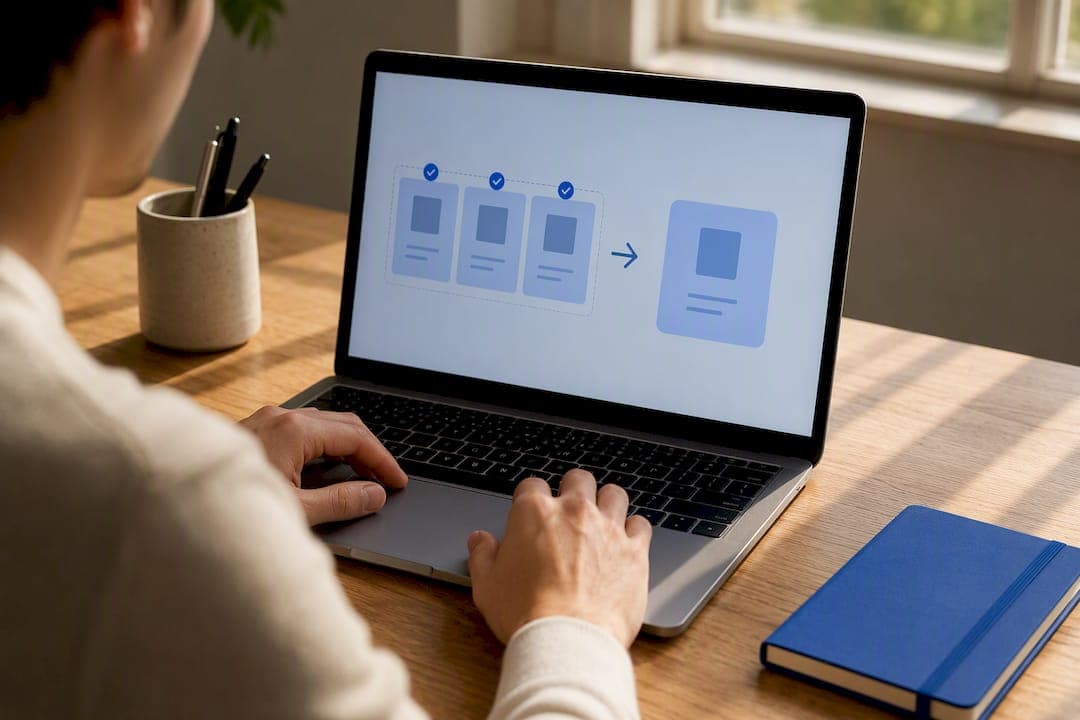
No Upload, No Watermark: Best PDF Merge Tools for Privacy
Compare privacy first, desktop, cloud, and batch PDF mergers. Learn six selection checks, step-by-step merge workflows, and a no upload, no watermark option.

Try One Real File: Privacy First Adobe Acrobat Alternatives for Small Teams
Privacy first Adobe Acrobat alternatives that run in your browser with no uploads. Migration checklist and pilot tips for small teams.

No Upload, Free pdfFiller Alternatives for Singapore: SES vs OES
Compare pdfFiller alternatives in Singapore: free, no upload browser tools for everyday PDFs and SES providers for legal signatures.

Privacy First Best PDF Editor: FlowPDF Tops 12 Singapore Picks
Compare 12 top PDF editors, from privacy first FlowPDF to Acrobat Pro. Read practical trial checks, cost notes, and Singapore-available options to pick...