
WhatsApp lets you send a PDF as a document up to 2 GB, so most PDFs go through without any compression. You compress when the file is slow to send on mobile data, slow to download for the other person, or when you want it small enough for a group chat. The quickest route is to compress it locally in your browser with FlowPDF's compress tool. Your file stays on your device, and there is no signup, no watermark and no cost.
This guide covers the real limits, the steps for phone and computer, how to keep text readable, and what to do when a PDF stays too big.
TL;DR
- WhatsApp's document limit is 2 GB, so compression is about speed and convenience, not a hard block, for most people.
- Open the PDF in a local compressor, compress it, compare the before and after sizes, then attach it in WhatsApp using the Document option.
- Check the result before sending: zoom in on small text, scroll every page and confirm it opens.
- If a PDF holds contracts, IDs or bank details, compress it on your device so the file never reaches a third-party server.
- If the file is still large, split it, remove pages you don't need, or rescan at a lower resolution.
Table of Contents
- What size can you actually send on WhatsApp?
- Compress a PDF for WhatsApp in your browser
- Keep the text readable while you shrink the file
- Check the compressed PDF before you send it
- Why your PDF is so big in the first place
- What to do when compression isn't enough
- Why local compression matters for WhatsApp documents
- Handy extras before you hit send
- Compress your PDF with FlowPDF
- FAQ
- Sources
What size can you actually send on WhatsApp?
WhatsApp's help centre states that the maximum document size is 2 GB. A PDF that big would be extreme. A typical scanned contract or a slide deck exported with photos is usually somewhere between 5 MB and 50 MB, which is well within the limit.
Two things change the picture:
- Business integrations. If a company sends PDFs through the WhatsApp Business Platform, AWS's supported media list gives PDF (application/pdf) a maximum of 100 MB. If you receive or send documents through a business tool, expect that lower ceiling.
- Your connection. A 40 MB file on a weak signal, in a lift or on an MRT ride between stations, can stall or fail even though WhatsApp allows it. The person receiving it also has to download it, and many people have limited mobile data.
So the practical target is not 2 GB. It is a file that sends in seconds and opens quickly on any phone. Many people aim for under 5 MB for a normal document, and under 1 MB when the PDF is just text and a few images.
Compress a PDF for WhatsApp in your browser
These steps work on a phone browser or a laptop. Nothing is uploaded, because FlowPDF processes the file locally in the browser.
- Open FlowPDF Compress PDF in your browser.
- Select your PDF from your phone storage, Files app or computer.
- Run the compression and look at the before and after sizes.
- Download the smaller file to your device.
- Open the new file and check it (see the checklist below).
- In WhatsApp, tap the paperclip, choose Document, and pick the compressed PDF.
Sending through Document matters. WhatsApp treats a file sent this way as a document and keeps it as is. If you send a PDF page as a photo from your gallery, WhatsApp will squeeze it as an image and text can turn blurry.
Phone or computer: which is easier?
On a phone, the whole job takes about a minute if the PDF is already saved in Files or Downloads. If the PDF is stuck inside an email or another chat, save it to your device first.
On a computer, compress there and then use WhatsApp Web or Desktop to attach it. A computer is also the better place to compress large files with many pages, because it has more memory to work with.

We have device-specific walkthroughs too: shrinking PDFs on Android and compressing PDFs on a Mac with Preview first. If you have no connection at all, see how to compress PDFs offline in under a minute.
Keep the text readable while you shrink the file
A PDF gets small by reducing what takes up space. Text itself is tiny. Images are what make a PDF heavy. Good compression lowers image resolution and quality just enough to save space while leaving text clear.
A few habits protect readability:
- Start with the lightest setting that works. Compress once, check the size, and stop if you are under your target. Compressing the same file again and again only adds quality loss.
- Keep the original. Save the compressed copy under a new name, such as contract-whatsapp.pdf, and never overwrite the master file.
- Be careful with scans. A scanned page is a picture of text, so heavy compression makes letters fuzzy. If the scan is meant for a signature page or a form with small print, use a gentler level.
- Don't expect miracles from a PDF that's already small. A file that has already been compressed may barely shrink further.
If you create the PDF yourself in Word or another Office app, you can shrink it at the source. Microsoft's guidance is to choose the Minimum size (online publishing) option when file size matters more than print quality. That suits a PDF meant to be read on a phone screen.
Mac users sometimes use Preview's Reduce File Size filter. Users on Apple's community forum report that it can produce noticeably lower quality depending on the content, so look closely at the result.
Check the compressed PDF before you send it
A two-minute check saves an awkward follow-up message. Do this on the compressed copy, not the original:
| Check | What to look for |
|---|---|
| Page count | Matches the original, with no missing pages |
| Small text | Zoom to 200% and read footnotes, table numbers and fine print |
| Images and stamps | Logos, signatures and photos are still recognizable |
| Opening | The file opens in your phone's PDF viewer, not just the browser |
| File size | Under the size you aimed for |
| File name | Clear and professional, since it shows in the chat |
If text looks soft, go back to the original and compress with a lighter setting. If the file opens but pages are blank, compress again from the original.
Why your PDF is so big in the first place
Knowing the cause helps you choose the right fix.
- Photos and scans. Phone cameras produce high-resolution images. A 10-page scan can be larger than a 200-page text report.
- Embedded fonts. Some documents carry several full font files.
- Hidden extras. Layers, attachments, old versions of pages and metadata can add weight.
- Exported slides. Presentations with full-size photos on every slide turn into heavy PDFs.
Compression helps most with the first and fourth cases. For documents that carry hidden extras, see our guide to sending a PDF securely and removing hidden metadata.
What to do when compression isn't enough
Sometimes a PDF stays large, or you need to share only part of it. Try these in order:
- Remove pages you don't need. Cover pages, blank scan pages and duplicates add up. Use Remove Pages.
- Extract only the pages the recipient needs. If they only need pages 4 to 9, extract those pages into a new file.
- Split the PDF into parts. Split PDF turns one heavy file into two or three lighter ones that send faster.
- Crop margins. Crop PDF trims scanned borders and dark edges.
- Rescan at a lower resolution. If you made the PDF with a scanner or camera, a lower setting at the source often gives a much smaller file than compressing a huge one later.
- Convert images to PDF properly. When you build a PDF from photos, resize or crop the photos first.
If you want a very small target, such as under 200 KB for a form, we have a dedicated guide to shrinking PDFs to 200 KB locally.
Why local compression matters for WhatsApp documents
People send sensitive things on WhatsApp: tenancy agreements, payslips, NRIC copies, medical letters, invoices and bank statements. Many online compressors ask you to upload the file to their server first. That means a copy of your document leaves your device before you have even sent it to the person you meant to share it with.
Local processing avoids that step. The PDF is opened and compressed inside your browser, so the document is not transferred to a server.

For businesses in Singapore the stakes are formal. Under the PDPA, the PDPC's guide to securing personal data in electronic medium (revised 20 January 2017) sets out the expectation that organizations make reasonable security arrangements to prevent unauthorized access or disclosure. If your team shares documents containing personal data, choosing a tool that keeps files on the device is one practical way to limit exposure. For wider habits, these document sharing security controls are worth a read.
If the PDF contains details the recipient doesn't need, such as an NRIC number on a page you must share, black them out permanently before compressing. Redact PDF does this locally. Covering text with a black box in an editor is not the same thing, because the text underneath can remain in the file.
Our view: compress where the document lives
A PDF compressor is a tool you use on private files, so the first question should be where the file goes. Our view is simple: your document should not travel anywhere to get smaller. That is why FlowPDF runs entirely in your browser. The file is processed on your device, there is no upload step, no account, no subscription and no watermark.
This matters most for WhatsApp, because the documents people send there are often the personal ones: contracts, forms, IDs, school papers. A freelancer sending a signed contract or a student sharing a research paper with a study group should not have to choose between a small file and a private one.
Our advice is to compress with the lightest setting that gets you under your target, check the result, and keep your original safe. If you need more than compression, the same tools handle merging, splitting, redacting and signing, all locally.
Ronald Ang
Handy extras before you hit send
Compression is often one step in a short chain. Some people find these helpful:
- Merge first, then compress. If you are sending three documents, merge them into one PDF so the recipient gets a single file.
- Sign before sending. Sign PDF lets you add your signature without uploading the document.
- Reorder pages. Organize PDF fixes page order after a messy scan.
- Protect sensitive files. If you want to add a password, see these no-upload options for protecting a PDF.
- Prevent edits. If the recipient should only read the file, see how to prevent editing a PDF locally.
Compress your PDF with FlowPDF
FlowPDF is a free, browser-based PDF toolkit. Compress PDF works on your device, so your document stays with you. There is nothing to install, no signup and no watermark added to your file.
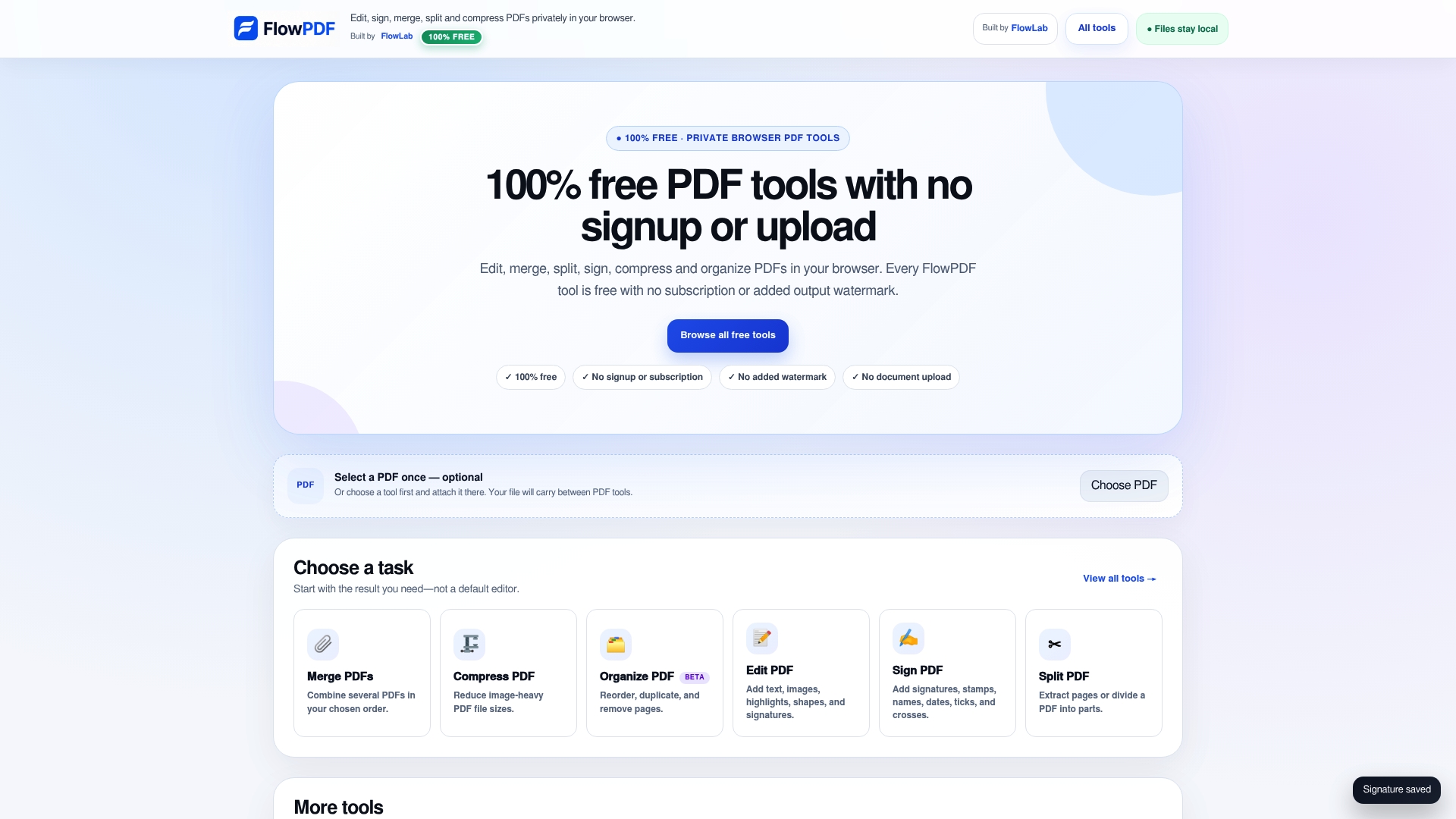
When you are done compressing, the full set of free PDF tools covers edit, merge, split, rotate, watermark, page numbers, forms and more, all in the same browser tab.
FAQ
Is there a size limit for sending a PDF on WhatsApp?
Yes. WhatsApp's help page gives 2 GB as the maximum document size. Business integrations can be stricter: AWS lists 100 MB for PDFs on the WhatsApp Business Platform. For everyday chats, aim far below these numbers so the file sends quickly.
Why does my PDF look blurry after sending it on WhatsApp?
Usually the page was sent as a photo instead of a document, or the PDF was compressed too hard. Attach it through the Document option so WhatsApp leaves the file alone. If the PDF itself looks soft, compress the original again with a lighter setting.
Can I compress a PDF on my phone without installing an app?
Yes. A browser-based tool such as FlowPDF works in your phone's browser. Choose the file, compress it, download the smaller copy and attach it in WhatsApp. Because processing is local, your file is not uploaded.
Is it safe to compress a PDF with personal details?
It is safer when the file never leaves your device. A local compressor avoids sending your document to a third-party server. If the PDF contains personal data you don't need to share, redact it first and send only the pages the recipient needs.
Sources
- WhatsApp Help Center: How to send media, contacts, or location
- AWS End User Messaging Social: Supported media file types and sizes in WhatsApp
- Microsoft Support: Save or convert to PDF or XPS in Office desktop apps
- Apple Community: How to reduce or minimize PDF file size
- PDPC: Guide to Securing Personal Data in Electronic Medium
- Document Sharing Security: Five Controls, Then Track Engagement